
Bulk scanner
Why it makes sense
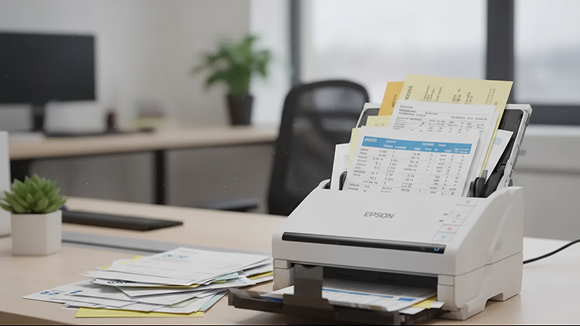
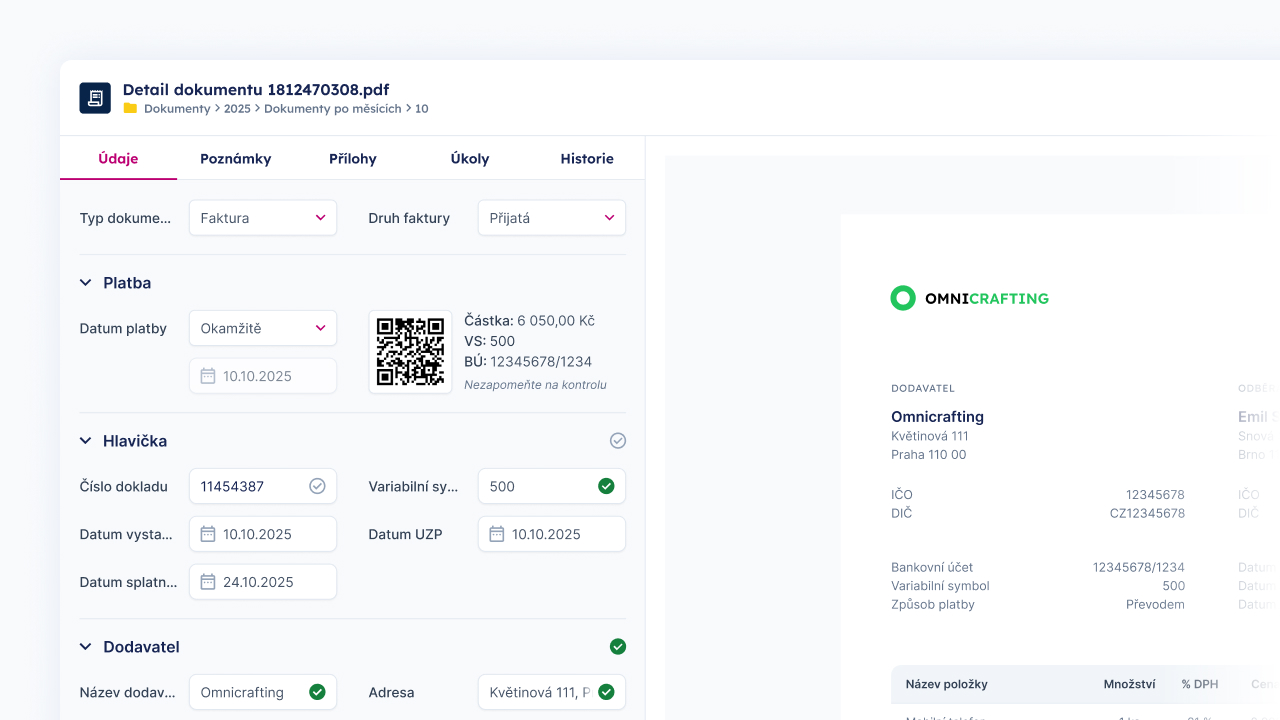
The bulk scanner in TAXY lets you process physical documents efficiently: scanning into high-quality PDFs, creating a text layer and sending them to the extraction queue. It's ideal for accounting firms that regularly digitise their archive or receive boxes of paper from clients. The module supports batch operations and scan quality validation.
Fast batch scanning and uploading
Scan quality checks
Conversion to PDFs with searchable text
How does the bulk scanner work with TAXY?
settings
step 1
We help you choose and set up a suitable scannerscan
step 2
The scanner uploads dozens of invoices per minutedocument_scanner
step 3
All details are extracted automaticallyperson_search
step 4
An accountant reviews and approvesopen_in_new
step 5
Data is exported to the accounting systemWhat this feature brings you
A bulk scanner combined with artificial intelligence saves your time and your nerves.
Batch scanning
Upload hundreds of documents quickly with automatic splitting and indexing.
Scan quality checks
The accountant just verifies the accuracy of the extracted data and approves it.
Accounting software integration
Scans with extracted data go straight into the online archive, from where you can easily pass them on.
Bulk scanner
Bulk scanning: scanner recommendation and installation
We'll advise you on choosing the ideal scanner, install it and set up an automatic connection to TAXY. Bulk scanning eases digitalisation even for clients who still bring paper documents - no pressure needed. Offer them a fast, inexpensive solution that saves time and helps organise documents.
The traditional approach vs. working with TAXY
How working with invoices changes with TAXY
Manual processing
Manual scanning and data retyping
Cumbersome splitting of multi-page files
Inconsistent quality
Retyping invoice data by hand
Time-consuming
Bulk scanner and TAXY
Batch scanning
Easy splitting and automatic indexing
Scan quality validation in the process
Easy transfer to your accounting software
A dramatically faster process
Start working with a bulk scanner and TAXY
We'll help you choose and set up a suitable scanner and ensure a seamless connection to our app. An inexpensive, efficient solution for you and your clients.